
Seedream 5.0
Seedream 5.0 creates images from text, photos, or references online, for ecommerce hero images, posters, and product photos.
AI watermark
Off by default. Turn it on to add an “AI generated” mark in the corner.
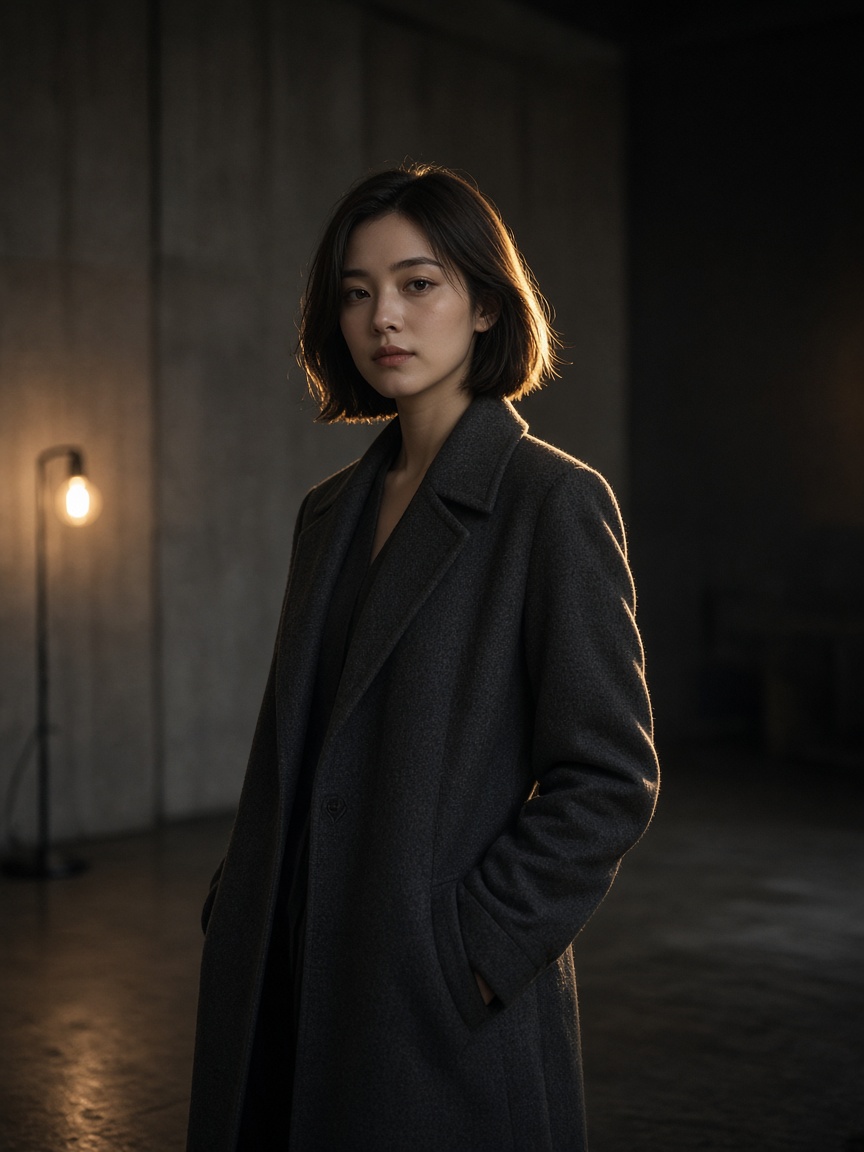
What is Seedream 5.0?
Text to image, image to image, and reference to image, with a size you set. There is no web search, no brush, and no separate upscaler.
-
Prompts that specify a layout
Subject, placement, and the words in the frame. Use it when a marketing frame has to match the brief, not just the mood.
-
Image to image without a brush
Upload a frame and describe the change. There is no paint tool and no separate upscaler on this page.
-
Up to 10 references
Hold a product or a style, then make a new frame. Grouped output is on Seedream 5.0 Lite, not on this model.
How to create with Seedream 5.0
Describe, pick the model, revise in words.
- 1
Describe or upload
Write style, light, and the elements that matter. Or add a JPG, PNG, or WEBP reference.
- 2
Choose Seedream 5.0
Set the size. Use Lite if you are still searching. Use Pro if the edit has to stay local and the type is multilingual.
- 3
Revise, then download
Add one sentence for the part that is wrong. Download when the layout holds.
Seedream 5.0 vs Seedream 5.0 Pro
5.0 is controlled generation for a finished commercial frame. Pro is the local-edit and multilingual pass. The longer table is on the Pro page.
| Feature | Seedream 5.0 | Seedream 5.0 Pro |
|---|---|---|
| Role | Controlled generation for commercial frames | Local edits, multilingual type, assets you reuse |
| Layouts | Brand frames and clean composition | Dense layouts, diagrams, type-heavy graphics |
| Edits | Plain language and up to 10 references | A named region, with the rest left alone |
| Type | Chinese and English for brand work | More languages, with local typesetting |
| Size | Size field, often used toward a 4K delivery | Size field, often used around 2K for a detailed edit |
| Grouped output | Not on this model. Use Lite | Not on this model |
Text to image, image to image, reference to image
Text to image, image to image, and reference to image are separate modes.
-
Text to image
Describe subject, layout, light, and any words in the frame.
-
Image to image
Upload a frame and change only what you name.
-
Reference to image
Pin a product or a style with up to 10 images.
-
When to switch
Lite to search. This model to land the frame. Pro when the edit is local or the type is multilingual.
Posts on X about Seedream 5.0
People use it for layouts and image edits. This page does not republish those posts, and it does not claim a live web search.
Questions about Seedream 5.0
What this model includes, and what it leaves out.
-
What is Seedream 5.0?
An image model for prompt-led generation and image edits. It aims at stable layouts and readable type, then you revise in words.
-
Does it browse the web?
No. It does not search the web while generating.
-
Can I paint a region or upscale after?
Not as a separate tool. Change the region in the next prompt. There is no brush and no upscaler on this page.
-
How do I choose Lite and Pro?
Lite is the fast search, and it can output a group. Seedream 5.0 is the delivery frame. Pro is the local edit and multilingual type.
-
How is it billed?
Credits follow the listed price for this model and size.