
Nano Banana 2
Nano Banana 2 creates and edits images online for 4K posters, banners, and vertical covers, including wide and tall layouts.
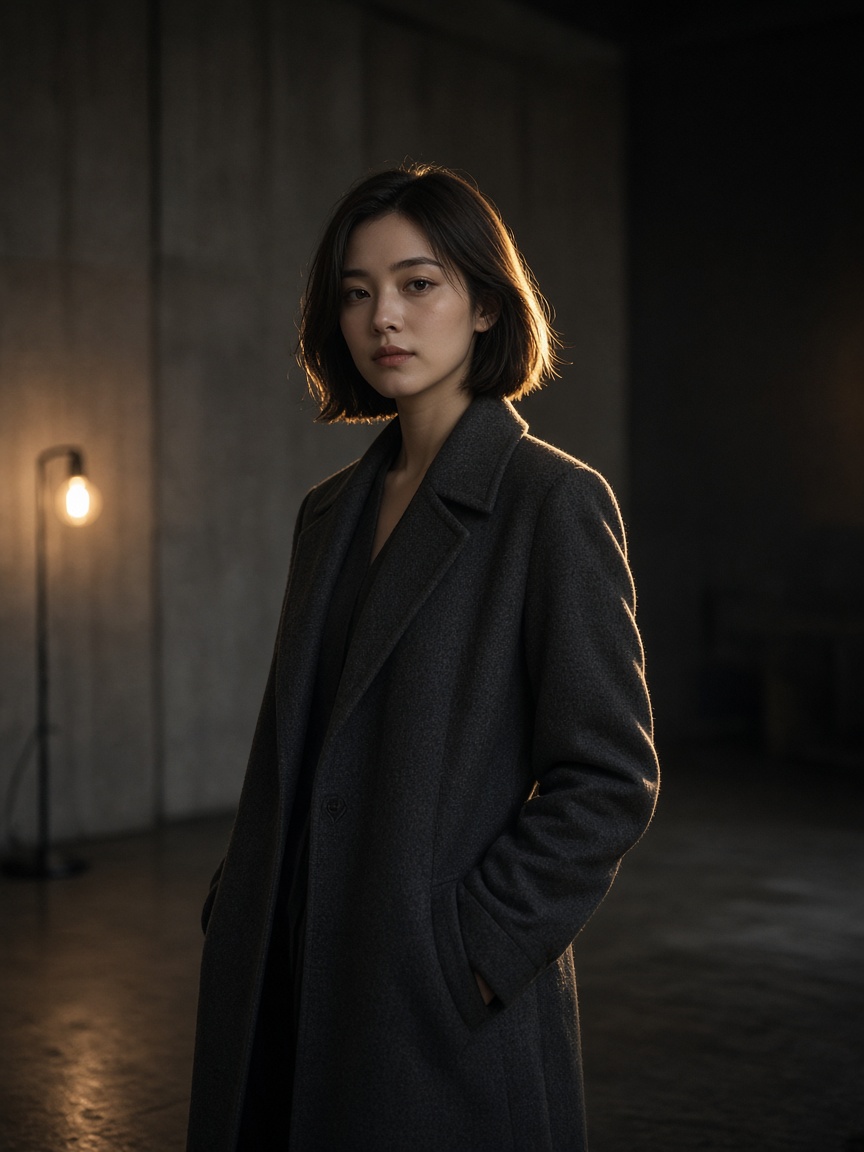
What is Nano Banana 2?
Use it when a square or a 16:9 frame is the wrong shape. Set the ratio, generate, then tighten a detail in one sentence. Check any words in the frame before you ship.
-
Wide and tall frames
Besides 1:1, 16:9, and 9:16, you can use 1:4, 1:8, 4:1, and 8:1 for banners, covers, and vertical posters.
-
1K, 2K, or 4K
Pick the sharpness for a social post or a print preview. Generate and edit on the same page.
-
Text and image edits
Describe a new frame or upload up to 10 images and name the change. Readable type is a reason to try it. Check the letters.
How to create with Nano Banana 2
Set the frame, then generate.
- 1
Describe or upload
Write the frame, or add JPG, PNG, or WEBP references.
- 2
Choose Nano Banana 2
Set aspect and 1K, 2K, or 4K. Use a strip ratio only when the layout needs it.
- 3
Revise, then download
One more sentence if type or a detail slipped.
Nano Banana 2 vs Nano Banana 2.1
2 opened the strip ratios. 2.1 keeps that frame list and tightens quality, type, and the 2K/4K quote on this site.
| Feature | Nano Banana 2 | Nano Banana 2.1 |
|---|---|---|
| Role | Wide and tall Flash frames | The updated Flash pass with cleaner realism |
| Modes | Text to image, image to image | Text to image, image to image |
| Aspect | 1:4, 1:8, 4:1, 8:1. No auto | Same strip list. Cleaner at 2K and 4K |
| Resolution | 1K, 2K, 4K | 1K, 2K, 4K with stronger realism |
| Uploads | Up to 10 | Up to 14 |
| Starting quote | 3 credits; 2K/4K higher | 3 credits; 2K/4K lower on this site |
Text to image and image to image
Start from a description, or edit a picture you already have.
-
Text to image
Describe subject, ratio, and any words in the frame.
-
Image to image
Upload and change only what you name.
-
A strip or a banner
1:8, 8:1, 1:4, or 4:1 when a normal 16:9 frame is the wrong shape.
-
When to switch
Nano Banana 2.1 for the updated Flash quality. Pro if you want auto aspect.
Posts on X about Nano Banana 2
People use it for wide frames and poster type. This page does not republish those posts.
Questions about Nano Banana 2
Frame shape, edits, and credits.
-
What is Nano Banana 2 for?
Banners, posters, and frames that need to be wider or taller. Text to image or an edit of an upload.
-
What sizes can I pick?
1K, 2K, or 4K. Ratios include 1:4, 1:8, 4:1, and 8:1, plus 16:9 and 9:16.
-
How many images per run?
One frame. You can upload up to 10 references.
-
How is it different from Nano Banana 2.1?
2.1 is the updated Flash model: stronger realism, cleaner wide frames at 2K/4K, up to 14 references, and a lower 2K/4K quote here.
-
How is it billed?
Credits follow the quote for the resolution you pick.