
Seedream 4.0
Seedream 4.0 generates images from text or photos online, and can produce a matching set of product photos and posters.
AI watermark
Off by default. Turn it on to add an “AI generated” mark in the corner.
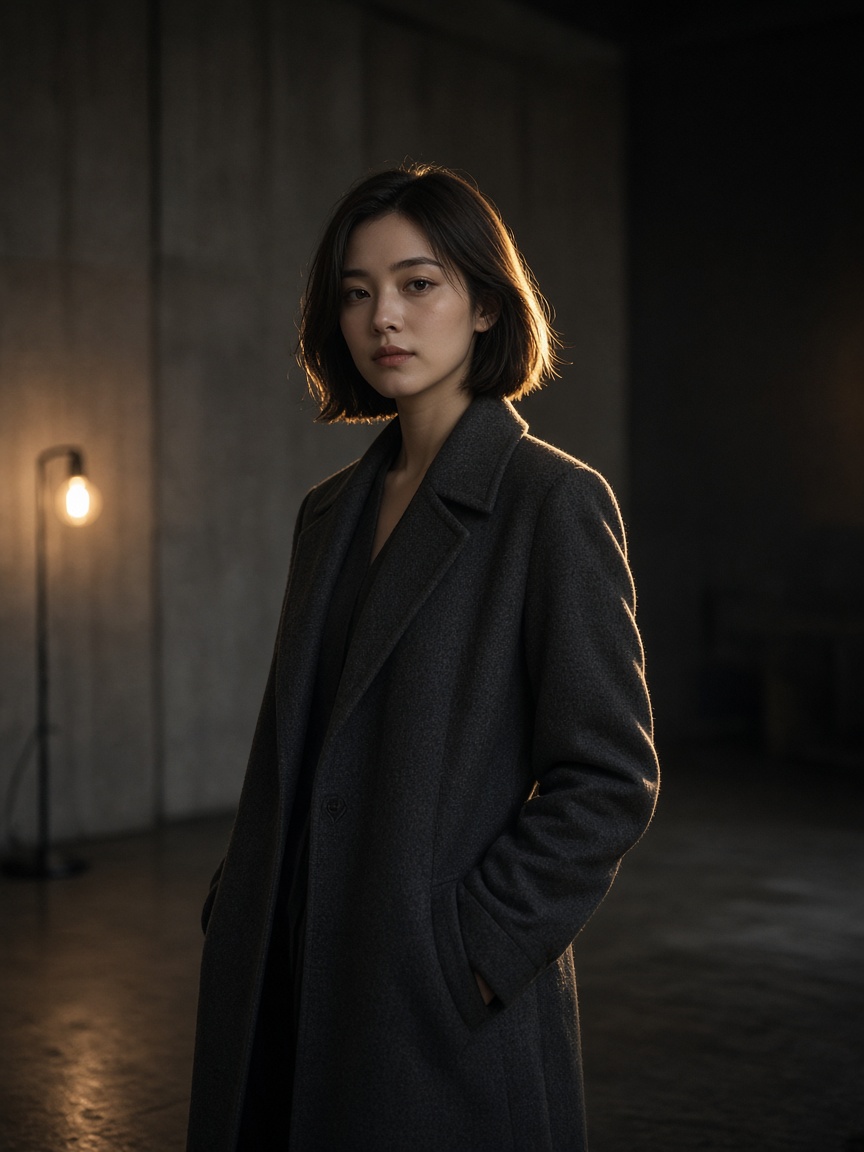
What is Seedream 4.0?
Built for another pass, not a one-off draw. References, a grouped set, and plain-language edits are all on this model.
-
Up to 10 references
Hold a product, a face, or a layout with more than one image. Up to 10.
-
A matching set
Turn on grouped output and cap the set at 15. Use it when an ad, a shop, or a post needs several frames in one look.
-
Edits in Chinese or English
Change style, layout, or content in either language. What you do not name should stay.
How to create with Seedream 4.0
Three steps. No separate upscaler and no brush tool on this page.
- 1
Describe or upload
Write the frame, or add JPG, PNG, or WEBP references. Name the style and anything that must stay.
- 2
Choose Seedream 4.0
Set the output size. For a set, turn grouped output on and set the maximum count.
- 3
Generate, then tighten
Keep the frame that fits and revise in one more sentence. Download when the set is consistent.
Seedream 4.0 vs Seedream 4.5
4.0 is the working set. 4.5 is the pass people open when the headline and the larger size have to hold.
| Feature | Seedream 4.0 | Seedream 4.5 |
|---|---|---|
| Role | Everyday generation, edits, and a consistent set | Posters, lockups, and a larger delivery size |
| References | Up to 10 | Up to 10 |
| Grouped output | On, up to 15 images | On, up to 15 images |
| Type in the frame | Chinese and English prompts, usable headlines | The one to pick when poster type has to stay readable |
| Size | Size field. 2K is the usual working size | Same size field, aimed at a 2K or 4K delivery |
| Best for | Ad sets, content, shops that need one look | Posters, logos, brand frames with type |
Text, image, reference, and a set
References and a grouped set are separate paths.
-
Text to image
Describe subject, light, and the words in the frame.
-
Image to image
Upload a frame and change only what you name.
-
Reference to image
Pin product or style with up to 10 images, then make a new frame.
-
A grouped set
One prompt, several frames, with a cap you set up to 15.
Posts on X about Seedream 4.0
People use it for fast sets and reference-led edits. This page does not republish other people's posts.
Questions about Seedream 4.0
References, grouped output, and billing.
-
What is Seedream 4.0?
Seedream 4.0 is an image generation and editing model for text to image, image edits, and a grouped set. You describe the frame or upload references.
-
How many references and images can I use?
Up to 10 reference images. Grouped output can run up to 15 images in one pass.
-
Does it include a brush or an upscaler?
No. Revise with another prompt. There is no separate brush or upscaler on this page.
-
Who is it for?
Designers, marketers, and shops that need several frames in one style, in Chinese or English.
-
How is it billed?
A generation spends credits at the quote shown for this model, size, and settings. That number is this site's quote.