GPT Image 1.5
GPT Image 1.5 turns a description or a sketch into a 4K image online, with text to image, image to image, and reference generation.
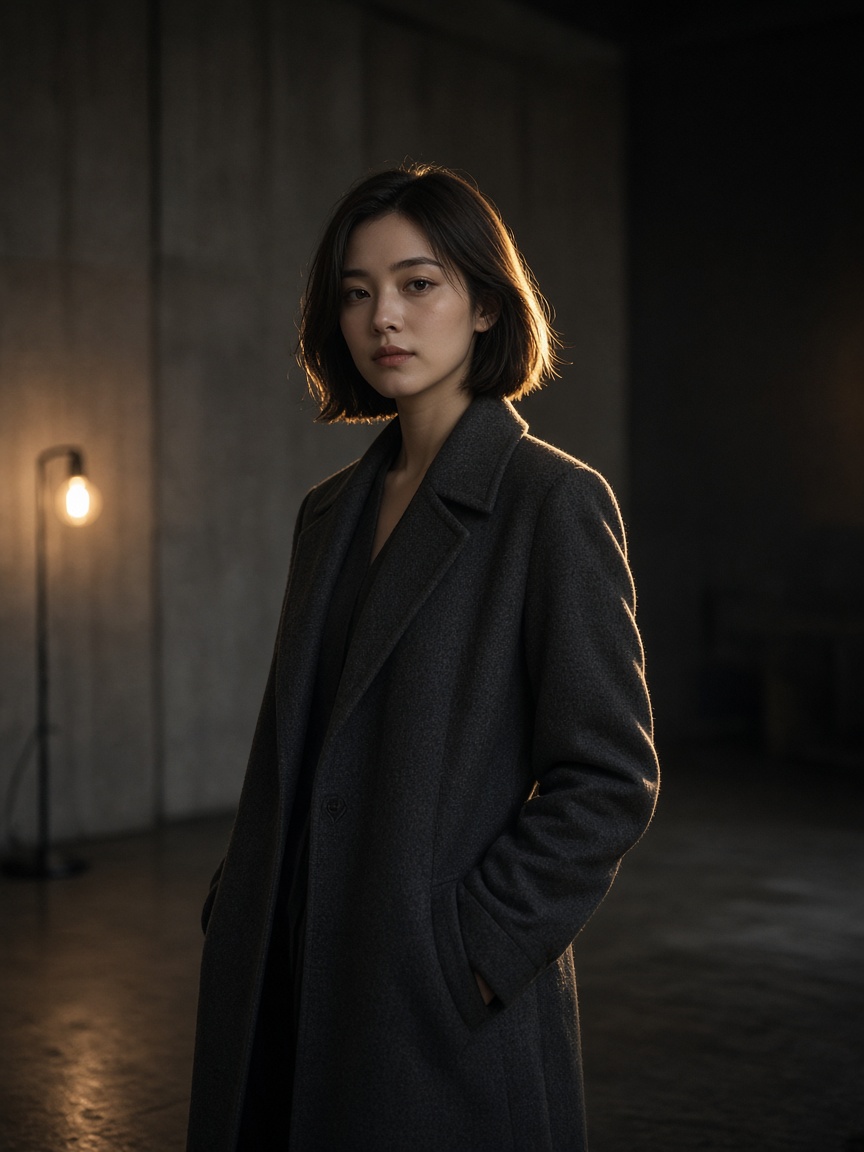
What is GPT Image 1.5?
Start from a rough sketch, a photo, or a written brief. Use it for a product frame, a poster draft, or a concept, then tighten with one more sentence.
-
Three modes
Text to image, image to image, and reference to image.
-
1K, 2K, or 4K
Resolution is 1K, 2K, or 4K. Quality stays on auto. There is no transparency toggle.
-
A sketch is just an upload
Add a rough frame and describe the finish. Up to 10 files. No brush.
How to create with GPT Image 1.5
Write the frame you want, or start from a sketch.
- 1
Describe or upload
Write the frame, or add a sketch as JPG, PNG, or WEBP.
- 2
Choose GPT Image 1.5
Pick a mode, a size, and 1K, 2K, or 4K.
- 3
Revise or move to 2.5
Tighten with one sentence. Use GPT Image 2.5 when the type has to be cleaner.
GPT Image 1.5 vs GPT Image 2
1.5 follows the brief and the sketch. GPT Image 2 is the one people open when the headline has to be read.
| Feature | GPT Image 1.5 | GPT Image 2 |
|---|---|---|
| Best for | A sketch or a brief turned into a frame | A headline that has to be read |
| Start | A prompt, a sketch, or a photo | A prompt, or an image whose type you want to change |
| References | Up to 10 | Up to 10 |
| Size | 1K, 2K, 4K | 1K, 2K, 4K |
| Edits | Tighten composition and light | Change a region or a line of type |
| Start price | 2 credits | 2 credits |
Text, image, and reference
There is no speed multiplier to set. Wait for the result, then revise.
-
Text to image
Describe layout, light, and words.
-
Image to image
Upload a sketch or a photo and name the finish.
-
Reference to image
Up to 10 images to hold a subject.
-
When to switch
GPT Image 2.5 for cleaner type. The quote there starts at 3 credits.
Posts on X about GPT Image 1.5
This page does not republish other people's posts, and it does not promise a faster multiplier.
Questions about GPT Image 1.5
Sketches, briefs, and the finished frame.
-
What is GPT Image 1.5 for?
Turning a prompt or a sketch into a product frame, a poster draft, or a concept.
-
Can I start from a sketch?
Yes. Upload it and describe the finish. You can add references, up to 10.
-
What sizes?
1K, 2K, or 4K. Aspect can stay on auto, or you can pick one.
-
How do I choose GPT Image 2?
Stay here when the brief and the composition lead. Use GPT Image 2 when the headline has to be read.
-
How is it billed?
Credits follow the resolution you pick. The floor is 2 credits.