
Nano Banana 3
Nano Banana 3 creates images from text and edits uploads online, for 4K posters, product photos, and finished changes to light or background.
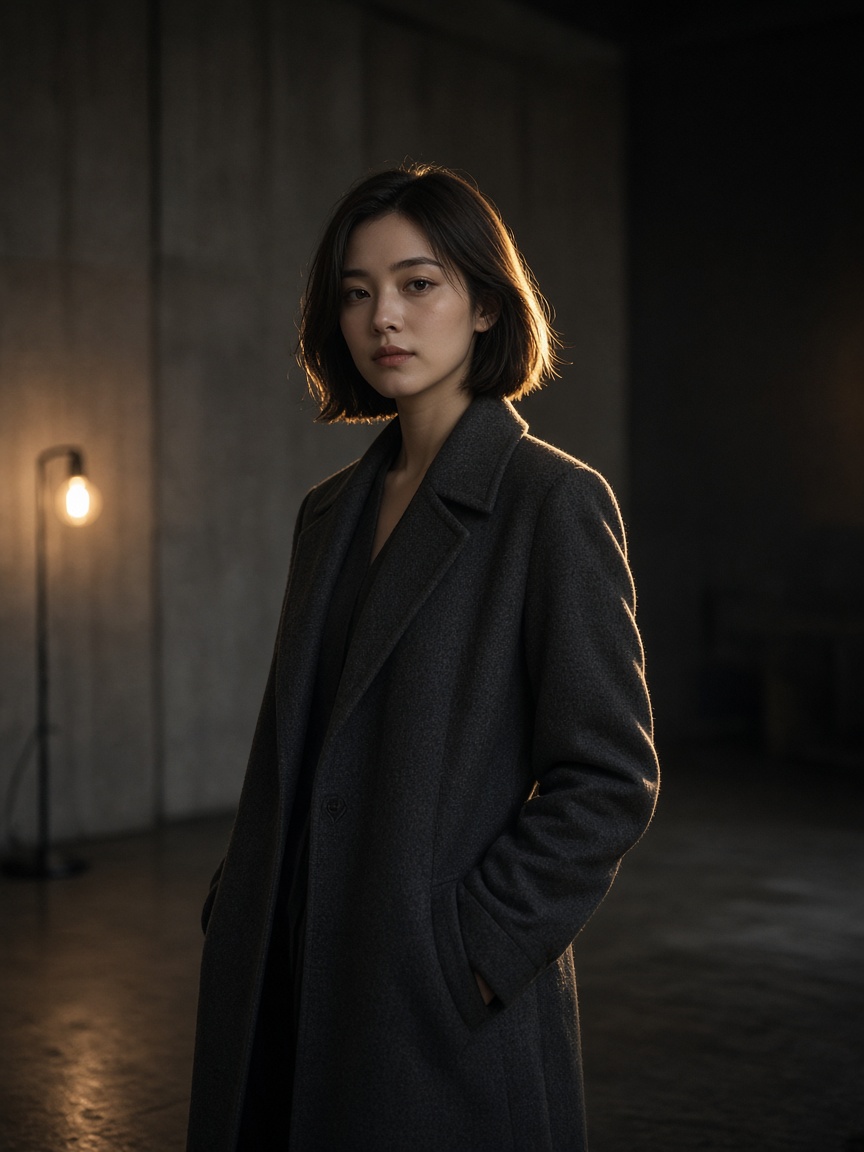
What is Nano Banana 3?
Use it when the subject, the light, and the background need to hold together. Leave aspect on auto, or pick a ratio through 21:9.
-
Auto or a chosen ratio
Leave aspect on auto, or pick a standard ratio through 21:9.
-
1K, 2K, or 4K
Pick 1K, 2K, or 4K. There is no separate upscaler and no brush.
-
Plain-language edits
Upload up to 10 images and name the object, the light, or the background to change.
How to create with Nano Banana 3
Describe or upload, set the frame, then look at the first result.
- 1
Describe or upload
Write the frame or add JPG, PNG, or WEBP.
- 2
Choose Nano Banana 3
Set auto or a standard ratio, and 1K, 2K, or 4K.
- 3
Revise, then download
One sentence for the part that moved.
Nano Banana 3 vs Nano Banana 2
3 is the higher finish. 2 is for banners and strips that are very wide or very tall.
| Feature | Nano Banana 3 | Nano Banana 2 |
|---|---|---|
| Role | A frame you can hand off | Wide and tall frames |
| Modes | Text to image, image to image | Text to image, image to image |
| Aspect | Includes auto. No 1:8 or 8:1 | Includes 1:8 and 8:1. No auto |
| Resolution | 1K, 2K, 4K | 1K, 2K, 4K |
| Best for | Object, light, and background edits | Banners and strips |
| Starting quote | 4 credits | 3 credits |
Text to image and image to image
Two modes. Uploads on both. No grouped output.
-
Text to image
Describe subject, light, and words in the frame.
-
Image to image
Change a named object, light, or background.
-
Auto aspect
Leave aspect on auto when the source should decide the frame.
-
When to switch
Nano Banana 2 for a strip. This page or Pro for the 4-credit finish.
Posts on X about Nano Banana 3
This page does not republish other people's posts.
Questions about Nano Banana 3
What you actually get when you open this name.
-
What is Nano Banana 3 for?
A frame you can hand off: a new image, or a change to an object, the light, or the background.
-
How do I set the frame?
Use auto, or pick a ratio through 21:9. Very wide strips fit Nano Banana 2 better.
-
Can I edit part of an image?
With a prompt, yes. There is no brush.
-
Is it an upscaler?
No. You generate or edit at 1K, 2K, or 4K.
-
How is it billed?
Credits follow the listed price for this model and resolution.