
Nano Banana Pro
Nano Banana Pro does 4K text to image and image editing online, for multi-subject posters, product photos, and finished edits.
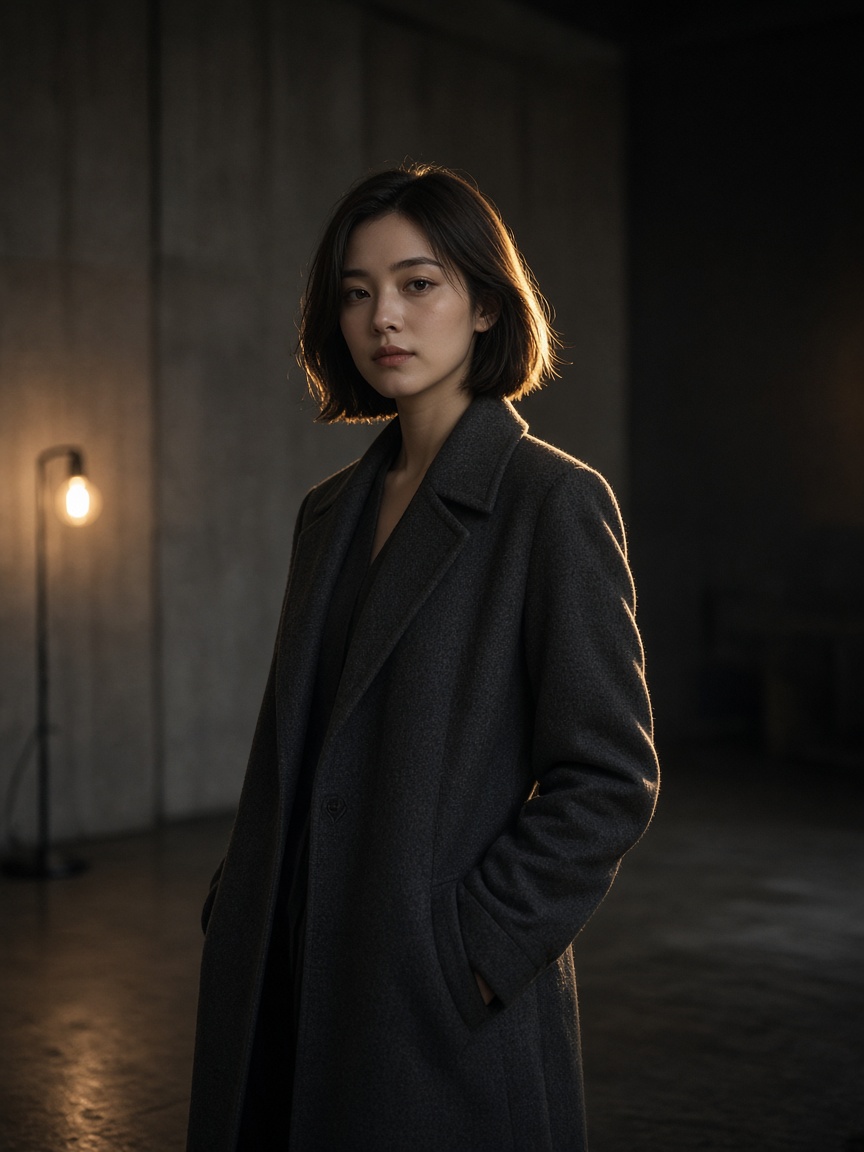
What is Nano Banana Pro?
Two modes, a resolution control, and an aspect list with auto. Relighting and background changes are sentences in the prompt, not separate buttons. Generation spends credits.
-
Auto aspect
Leave it on auto, or pick a standard ratio through 21:9. Strip ratios such as 1:8 stay on Nano Banana 2.
-
1K, 2K, or 4K
The resolution control is the size step. There is no second upscaler after the fact.
-
Named edits
Replace an object, change the light, or swap a background by describing it. Up to 10 uploads. No brush.
How to create with Nano Banana Pro
Upload or describe, set auto or a ratio, then tighten the sentence.
- 1
Describe or upload
Write the scene or add JPG, PNG, or WEBP.
- 2
Choose Nano Banana Pro
Text to image or image to image. Set aspect and 1K, 2K, or 4K.
- 3
Revise, then download
Check type and the area you named. One more sentence if it moved.
Nano Banana Pro vs Nano Banana 2
Pro is auto aspect and the 4 credit start. Nano Banana 2 is the strip ratios at 3 credits.
| Feature | Nano Banana Pro | Nano Banana 2 |
|---|---|---|
| Role | Finish pass with auto aspect | Wide and tall frames |
| Modes | Text to image, image to image | Text to image, image to image |
| Aspect | Includes auto. No 1:8 or 8:1 | Includes 1:8 and 8:1. No auto |
| Resolution | 1K, 2K, 4K | 1K, 2K, 4K |
| Uploads | Up to 10 | Up to 10 |
| Starting quote | 4 credits | 3 credits |
Text to image and image to image
Relight and a new background are sentences on image to image, not separate tools.
-
Text to image
A new frame from a description, at 1K, 2K, or 4K.
-
Image to image
Upload and name the object, the light, or the background.
-
Auto aspect
Use auto when you do not want to force 16:9.
-
When to switch
Use Nano Banana 2 for a 1:8 or 8:1 strip. Stay on Pro when the finish matters more.
Posts on X about Nano Banana Pro
People use it for prompt edits at a higher finish. This page does not republish those posts.
Questions about Nano Banana Pro
Modes, resolution, and how a generation is billed.
-
What is Nano Banana Pro?
The higher-finish model in this line: text to image, image edits, auto aspect, and 1K, 2K, or 4K.
-
Can it relight or change a background?
Yes, in the prompt. There is no separate relight button and no brush.
-
Is there a free tier?
No. A generation spends credits at the quote for this model and resolution. The floor is 4 credits.
-
How is it different from Nano Banana 2?
2 has the strip ratios and starts at 3 credits. Pro has auto and does not have 1:8 or 8:1.
-
When do I open Nano Banana 3?
When you want a more finished edit or a new frame, open Nano Banana 3.