
GPT Image 2.5
GPT Image 2.5 makes HD posters, packaging, and product photos online, with steadier text and layout, from text, an upload, or a reference.
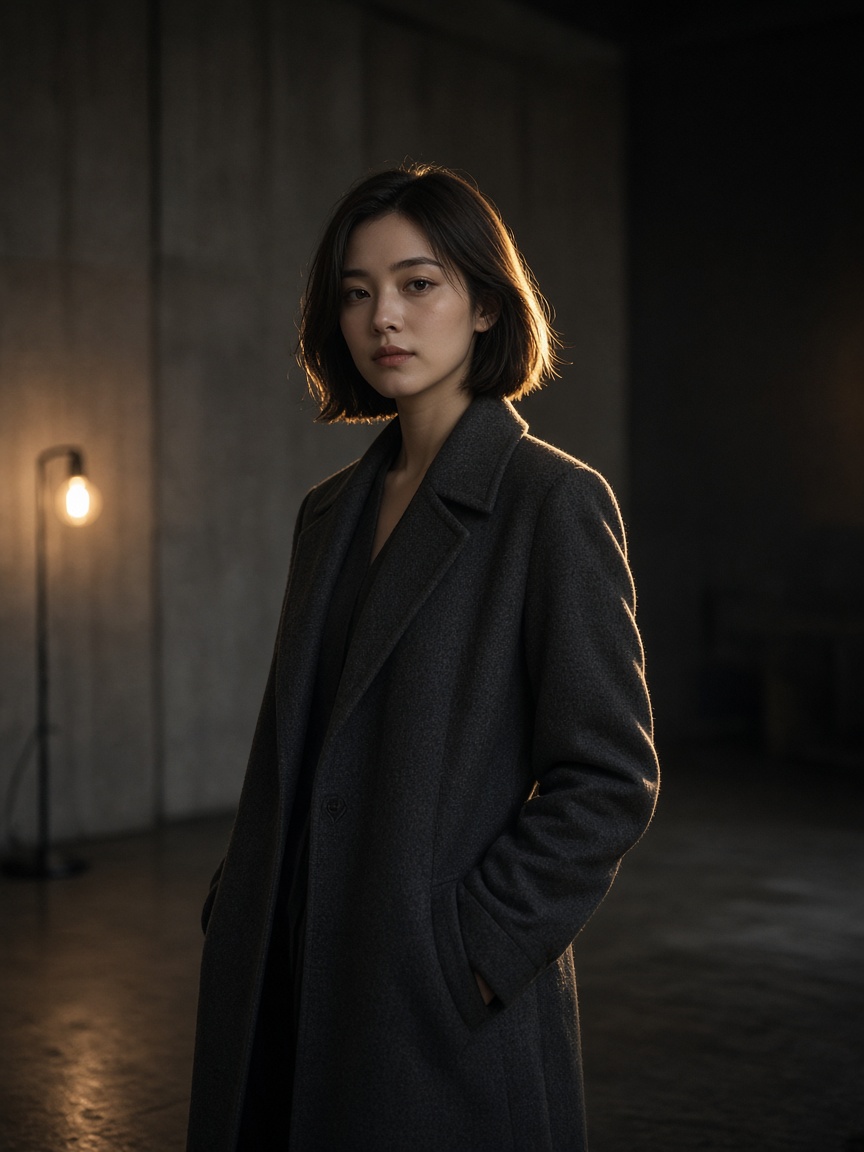
What is GPT Image 2.5?
GPT Image 2.5 builds on the previous generation with sharper high-resolution output, more reliable text rendering, stronger instruction following, and greater visual stability for professional image generation and editing.
-
Sharper High-Resolution Output
Generate clean images with crisp edges, clear typography, precise product contours, and realistic textures. Clarity holds on large outputs, without a smeared or over-sharpened look.
-
Cleaner Text and Typography
Render fully readable text in posters, ads, packaging, and interface designs. Letter structure, spacing, and alignment are markedly improved.
-
Stronger Prompt Precision
Keep the object counts, positions, materials, lighting, and colors the prompt asks for. Complex instructions stay more coherent in a single generation.
-
More Stable Repeated Editing
Preserve approved regions, gradients, colors, and subjects across multiple edits. Make targeted changes with less unwanted noise or visual degradation.
-
Natural Skin and Fine Details
Generate more natural skin, hair, fabric, reflections, and logos. Fine detail stays stable in close-ups and after repeated revisions.
How to Create Images with GPT Image 2.5
Turn a prompt or a reference image into a polished visual in three simple steps.
- 1
Describe Your Image
Enter a detailed prompt covering the subject, composition, style, lighting, and any text. You can also upload a reference image to keep an existing subject, layout, or creative direction.
- 2
Select GPT Image 2.5
Choose GPT Image 2.5 in the model selector, then set the image size, aspect ratio, and generation settings for your project.
- 3
Generate and Refine
Generate the image and review the result. Add follow-up prompts to refine specific regions while keeping the parts you already like visually consistent.
GPT Image 2.5 vs GPT Image 2
See the upgrade in HD output, typography reliability, prompt accuracy, and edit stability.
| Feature | GPT Image 2.5 | GPT Image 2 |
|---|---|---|
| Positioning | Advanced image generation and editing with high clarity, instruction control, and edit consistency | A versatile AI image generator for everyday marketing and design workflows |
| Image clarity | Keeps sharp edges, product contours, and rich detail even on large outputs | Strong overall quality that can handle detailed compositions |
| Text rendering | Cleaner typography, with better letter structure, spacing, and readability | Handles titles and simple labels well in common layouts |
| Prompt precision | Holds object counts, placement, materials, lighting, and layout constraints more reliably | Reliable instruction following for detailed prompts |
| Edit consistency | Keeps approved regions, colors, subjects, and composition across repeated redraws | Flexible image editing with good visual continuity |
| Best for | HD campaigns, text-heavy graphics, product visuals, and iterative editing | Social assets, concept design, general generation, and everyday edits |
Best Uses for GPT Image 2.5
Built for workflows that need sharp visuals, accurate text, stable detail, and reliable image editing.
-
Advertising Creatives
Design posters, social ads, and campaign graphics with clearer typography and controlled layouts.
-
Product Visualization
Generate polished product images with realistic materials, accurate labels, natural reflections, and lighting.
-
Iterative Image Editing
Tune specific areas while keeping the background, colors, and subject consistent across multiple edits.
-
Brand Visuals
Produce a unified set of brand assets with consistent color, typography, and logo placement.
-
UI and Infographics
Design interface mockups, presentations, and charts where labels, spacing, and structure need to stay precise.
-
Ecommerce and Merchandising
Create clean catalog shots, lifestyle scenes, and promo banners for stores, with reliable logo placement.
Ways People Search for GPT Image 2.5
Most searches land on text to image, image to image, reference generation, readable text in designs, or ecommerce product shots. GPT Image 2.5 covers those jobs.
-
Text to Image
Describe the scene in plain language and generate a new image. Useful for posters, ads, concepts, and first-pass product visuals.
-
Image to Image
Upload a photo and describe the edit. Change lighting, color, objects, or layout while keeping the parts you want.
-
Reference to Image
Guide composition, subject, or style with a reference so characters, products, and framing stay closer to the source.
-
Readable Text in Images
A common search for AI poster makers and packaging mockups. GPT Image 2.5 is tuned for letter structure, spacing, and alignment.
-
Ecommerce Hero Images
Shoppers and sellers search for AI product photos, lifestyle scenes, and promo banners with accurate labels and logos.
X Posts About GPT Image 2.5
See how creators use GPT Image 2.5 for clear high-resolution AI images, precise typography, and controlled redraws — especially posters, product shots, and iterative edits where text and layout have to stay put.
Frequently Asked Questions
Learn how GPT Image 2.5 works, what improved, and how to use it to generate polished AI images.
-
What is GPT Image 2.5?
GPT Image 2.5 is an advanced AI image generation and editing model for high-quality visuals from text prompts and reference images. It focuses on sharper HD output, more accurate text rendering, stronger instruction following, and more stable image editing.
-
What is improved compared with GPT Image 2?
GPT Image 2.5 improves the areas creative workflows actually feel: HD clarity, typography, following complex instructions, fine-detail stability, and visual consistency across repeated edits.
-
Is GPT Image 2.5 better at generating text?
Yes. It is tuned to render clear, consistent text inside images, which suits posters, ads, packaging concepts, social graphics, and other type-heavy designs.
-
Can GPT Image 2.5 edit existing images?
Yes. Use a reference image and a prompt-based edit to change specific elements, lighting, or color, and keep the parts of the original you like while exploring new ideas.
-
Does it support repeated iterative edits?
Yes. It is optimized for more stable iterative editing, so approved subjects, colors, gradients, and untouched regions stay intact as you keep refining.
-
Is it good for product images?
Very much so. Strong control over product geometry, materials, reflections, labels, and lighting makes it a fit for ecommerce visuals, packaging mockups, and brand creative.
-
Who should use GPT Image 2.5?
Designers, marketers, ecommerce teams, creative agencies, and anyone who needs precise instruction control, clear text, stable detail, and flexible editing in a professional AI image generator.
-
Does it support text to image, image to image, and reference generation?
Yes. On Nano Banana you can start from a prompt, edit an uploaded image, or guide the result with a reference. Those are the three modes people usually search for alongside GPT Image 2.5.
-
Can I use it for posters, packaging, and store photos?
Yes. Those are core searches: AI posters with readable type, packaging concepts, catalog shots, lifestyle scenes, and promo banners with dependable logo placement.