
Seedream 4.5
Seedream 4.5 generates 4K posters and brand images online, for layouts that need a title in the frame, and can edit an upload.
AI watermark
Off by default. Turn it on to add an “AI generated” mark in the corner.
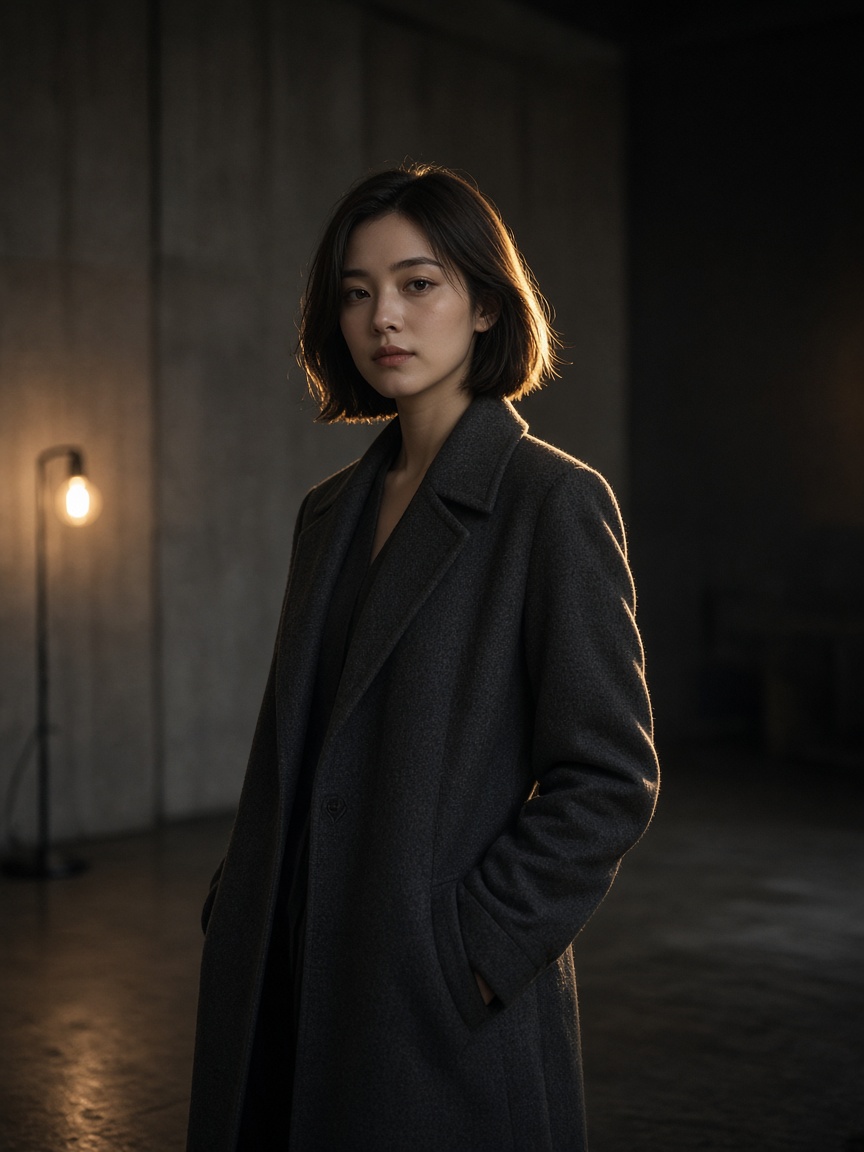
What is Seedream 4.5?
People open it when type, glass, metal, and a larger file matter more than a quick sketch. You set the size. Check the letters before you ship.
-
Type that has to be read
Put the headline in the prompt. It is the reason to pick 4.5 over a faster set: posters, logos, and campaign frames.
-
Materials and light
Glass, metal, and harder light are where this model is usually asked to hold up. It is not a guarantee of a film look.
-
2K or 4K as a size you set
The size field is free text. Use a 2K working size or a 4K delivery size. This page does not add a separate upscaler.
How to create with Seedream 4.5
Write the type, set the size, then check the letters.
- 1
Write the layout and the words
Name the headline, the subject, and the style. Upload a frame if you are revising one.
- 2
Choose Seedream 4.5
Set the output size. Add up to 10 references if a product or a layout has to stay.
- 3
Read the type, then download
Check spelling and spacing. One more sentence if a word broke. Download when it holds.
Seedream 4.5 vs Seedream 4.0
4.5 is for the frame you publish. 4.0 is for the set you use to find the look.
| Feature | Seedream 4.5 | Seedream 4.0 |
|---|---|---|
| Role | Posters, lockups, brand frames with type | Everyday generation and a consistent set |
| Type | Headlines are the job | Prompts in Chinese or English, usable type |
| Size | You set 2K or 4K in the size field | Same field. 2K is the usual working size |
| References | Up to 10 | Up to 10 |
| Grouped output | On, up to 15 | On, up to 15 |
| Best for | Campaign posters and brand delivery | Ad sets and content that share one look |
Text, image, and reference
Text to image, image to image, and reference to image are separate paths.
-
Text to image
Write the headline and the layout. Use it for a poster or a first brand frame.
-
Image to image
Upload the current poster and change only the line you name.
-
Reference to image
Hold a product or a layout with up to 10 images.
-
A set with the same type
Grouped output, up to 15, when a campaign needs more than one size.
Posts on X about Seedream 4.5
People talk about poster type and larger files. This page does not republish those posts.
Questions about Seedream 4.5
Type, size, and what this model does not add.
-
What is Seedream 4.5 good at?
Readable type on posters and logos, plus materials such as glass and metal. It is still an image model. Check the letters before you ship.
-
Can it do a poster?
Yes. Put the exact words in the prompt and describe the layout. That is the job it is picked for.
-
What resolution does it output?
You set the size. 2K and 4K are the usual targets. There is no fixed 4096 file and no separate upscaler.
-
Is it for brand work?
Yes, for designers and brand teams who need a frame that follows a headline and a layout. It does not remove the need to check the result.
-
How is it billed?
Credits follow the listed price for the model, size, and settings.