GPT Image 2.6 vs Nano Banana 2.1: Which Model Fits Your Workflow?
OpenAI’s Images 2.6 launch and Google’s Nano Banana 2.1 update landed weeks apart. Here is a practical way to choose by deliverable—not by hype.
Published 9 min read
In November 2026, GPT Image 2.6 rolled out across ChatGPT and the API with faster generation, markup-guided edits, and native GIF and SVG output. A few weeks earlier, Nano Banana 2.1 (built on Gemini 3.6 Flash) raised the bar for multi-reference stills, wide aspect ratios, and multi-turn visual design. If you make product shots, posters, infographics, or campaign loops, the useful question is not “which model is best overall”—it is which one matches the file you need to ship.
This guide compares GPT Image 2.6 Flare, GPT Image 2.6 Sunburst, and Nano Banana 2.1 on capabilities that show up in real briefs: speed versus detail, editing control, output formats, reference handling, and extreme aspect ratios. You can try both families in the Nano Banana studio without changing your creative brief mid-project.
What changed in GPT Image 2.6
OpenAI positions Images 2.6 as a faster generation stack with tighter control across editing rounds. Public materials highlight roughly 50% faster image generation versus the prior generation, plus two API variants so teams can trade speed for detail without rewriting prompts.
- Flare: the smaller, faster option for interactive drafts, posters, and product layouts when turnaround matters.
- Sunburst: the detail-focused option for precise compositions and stronger consistency across repeated edits.
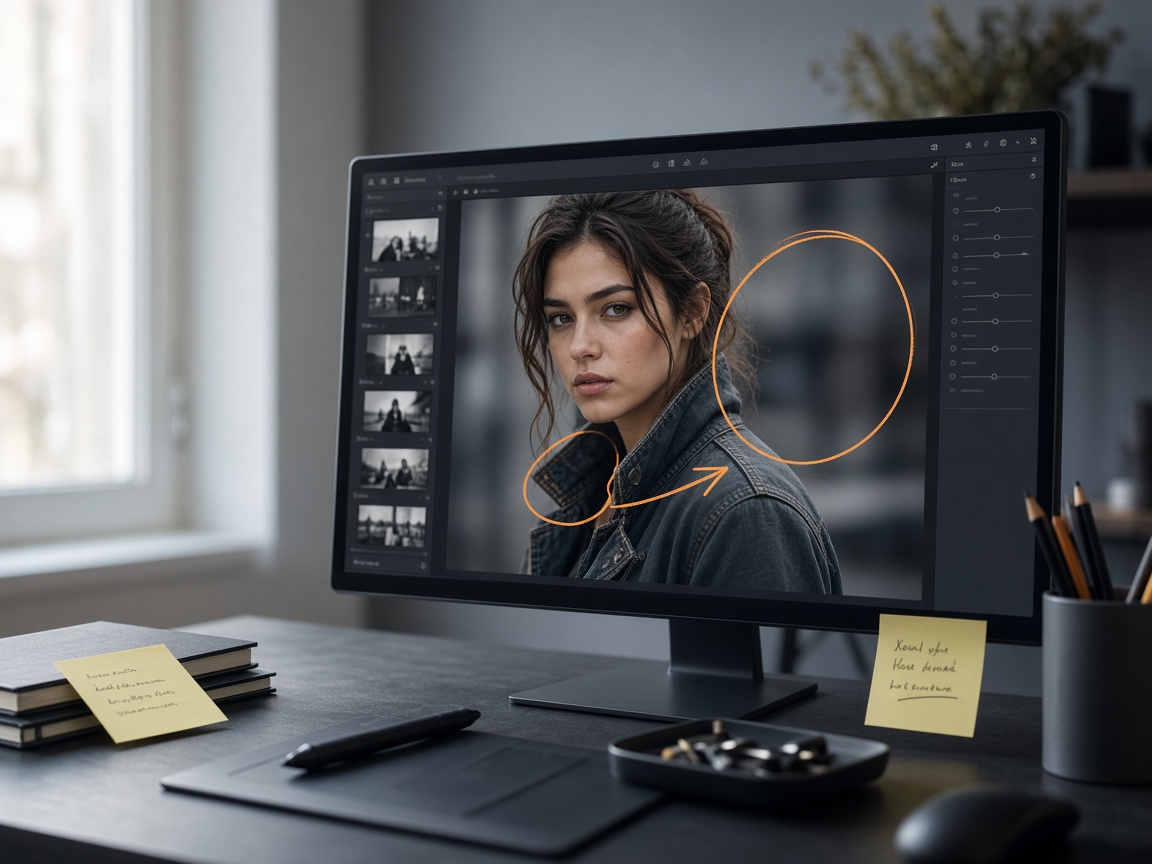
- Markup-guided edits: transparent PNG overlays that mark where a change should land, now available through the API as well as chat.
- Native GIF output for short looping motion (mascots, product shimmer, social loops).
- Native SVG export for vector-ready artwork that can move into web, app, and print pipelines.
- Separate complexity and quality controls: planning depth versus rendering fidelity, so a simple background swap does not need maximum planning.
Where Nano Banana 2.1 stands out
Nano Banana 2.1 is tuned for still-image generation and conversational editing. Google’s model materials emphasize visual design, subject consistency, text-heavy layouts, and multi-turn refinement with up to 14 reference images. Thinking levels (minimal / medium / high) steer how much deliberation the model applies before rendering—useful for diagrams and structured posters, even though it is not a one-to-one match for GPT Image’s complexity knob.
- Strong multi-reference workflows for character sheets, packshots, and brand mood boards.
- Ultra-wide and ultra-tall aspect ratios, including formats such as 4:1, 1:4, 8:1, and 1:8 that suit banners and vertical stories.
- Mask and ink-style guidance for spatially precise edits.
- 1K / 2K / 4K still outputs for production pipelines that stay in raster.
Nano Banana 2.1 does not ship native GIF or SVG in the same way Images 2.6 does. If the deliverable must be a looping GIF or a vector SVG, start with GPT Image 2.6. If the deliverable is an extreme panoramic still or a long multi-reference edit session, Nano Banana 2.1 often fits more cleanly.
Capability comparison at a glance
| Dimension | GPT Image 2.6 (Flare / Sunburst) | Nano Banana 2.1 |
|---|---|---|
| Primary strengths | Speed, layout polish, GIF & SVG, markup edits | Multi-reference stills, wide formats, multi-turn design |
| Native outputs | PNG, JPEG, WebP, plus GIF and SVG | Still images (raster); no native GIF/SVG |
| Editing style | Text + image inputs; mask or markup overlays | Conversational multi-turn; mask / ink guidance |
| Planning controls | complexity (low / medium / high) + quality levels | Thinking: minimal / medium / high |
| Reference images | Up to roughly 16 in common API setups | Up to 14 references |
| Aspect ratios | Common sizes up to about 3:1 / 1:3 | Includes 4:1, 1:4, 8:1, 1:8 class formats |
| Resolution ladder | 1K / 2K / 4K and exact sizes | 1K / 2K / 4K |
Treat the table as a routing guide. Official model cards and docs evolve; always validate against the brief with a short A/B on the same prompt and references.
Choose by deliverable
Pick GPT Image 2.6 when…
- You need a short animated loop (GIF) for a mascot, UI teaser, or product shimmer.
- Design handoff expects SVG or other vector-friendly output.
- You want markup overlays that pin edits to exact regions of a frame.
- Poster and product layouts need fast iteration—start on Flare, then promote hero frames to Sunburst.
Pick Nano Banana 2.1 when…
- The asset is an ultra-wide banner, retail shelf strip, or extreme vertical story.
- You are chaining many references: face, outfit, packaging, and scene mood in one session.
- The work is text-dense (infographic labels, packaging lines) and needs multi-turn cleanup.
- You prefer conversational refinement—“keep the bottle, warm the backlight, tighten the kerning”—over parameter-heavy setup.
A practical workflow that uses both
Many teams do not need a single winner. A durable pattern looks like this:
- Lock the creative brief: subject, must-keep details, aspect ratio, and final file type.
- Draft on the faster path—GPT Image 2.6 Flare or Nano Banana 2.1 at a mid thinking level—until composition settles.
- Promote the winning frame: Sunburst for fine detail and edit consistency, or Nano Banana 2.1 at higher thinking for structured layouts.
- Finish in the format the channel needs—GIF/SVG via Images 2.6, or panoramic stills via Nano Banana 2.1.
Prompting tips that transfer across both models
- Lead with the subject, action, and setting before style adjectives.
- State what must stay identical in edits (face, logo region, product silhouette).
- Name the output intent: “e-commerce hero,” “16:9 key visual,” “looping sticker GIF.”
- Add negative constraints only when they remove real failure modes—extra hands, stray text, watermark clutter.
- For markup or mask edits, describe the change in one short sentence that matches the annotated region.
Bottom line
GPT Image 2.6 is the stronger pick when motion loops, SVG handoff, markup precision, or Flare-speed iteration define the job. Nano Banana 2.1 is the stronger pick when ultra-wide stills, deep multi-reference consistency, and conversational multi-turn design define the job. The models overlap on text-to-image and image editing; they diverge on output formats and extreme framing. Match the model to the file you need to publish, then refine with a short side-by-side on your actual brief.
Related models
Blog FAQ
-
Is GPT Image 2.6 the same as Flare and Sunburst?
Flare and Sunburst are the Images 2.6 API variants. Flare prioritizes speed and everyday layout work; Sunburst prioritizes detail and consistency across edits. Both sit under the GPT Image 2.6 generation.
-
Does Nano Banana 2.1 support GIF or SVG?
Nano Banana 2.1 focuses on still-image generation and editing. For native GIF loops or SVG exports, GPT Image 2.6 is the better starting point.
-
Which model is better for product photography?
Both can produce strong packshots. Use GPT Image 2.6 when you need fast poster layouts or animated product loops; use Nano Banana 2.1 when you need many references or uncommon banner ratios.
-
Can I switch models mid-project in Nano Banana?
Yes. Keep the same prompt skeleton and references, then switch between GPT Image 2.6 and Nano Banana 2.1 in the studio to compare frames before you commit to a final render.